Every meeting with a lead, found for you. Nothing to update.
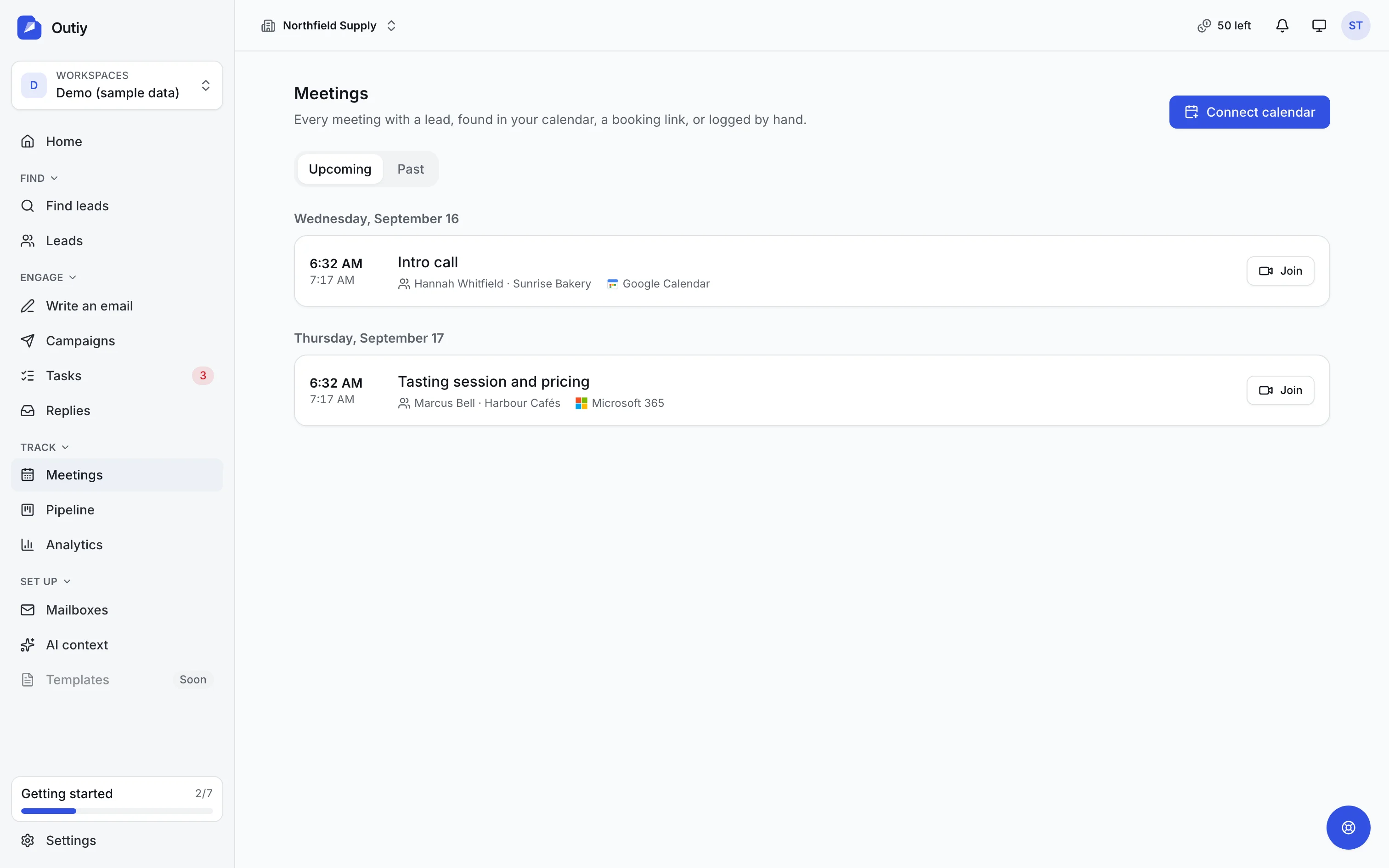
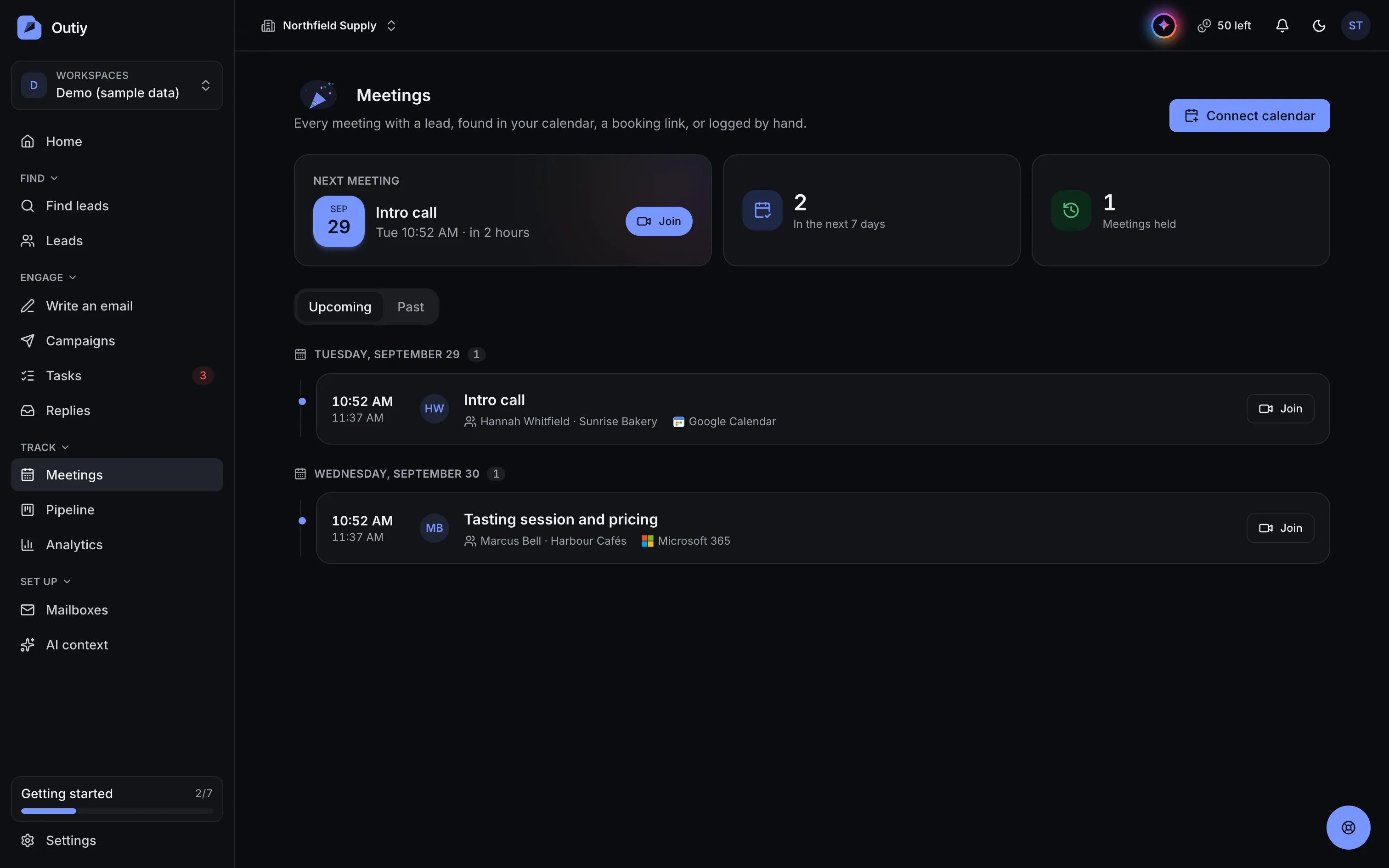
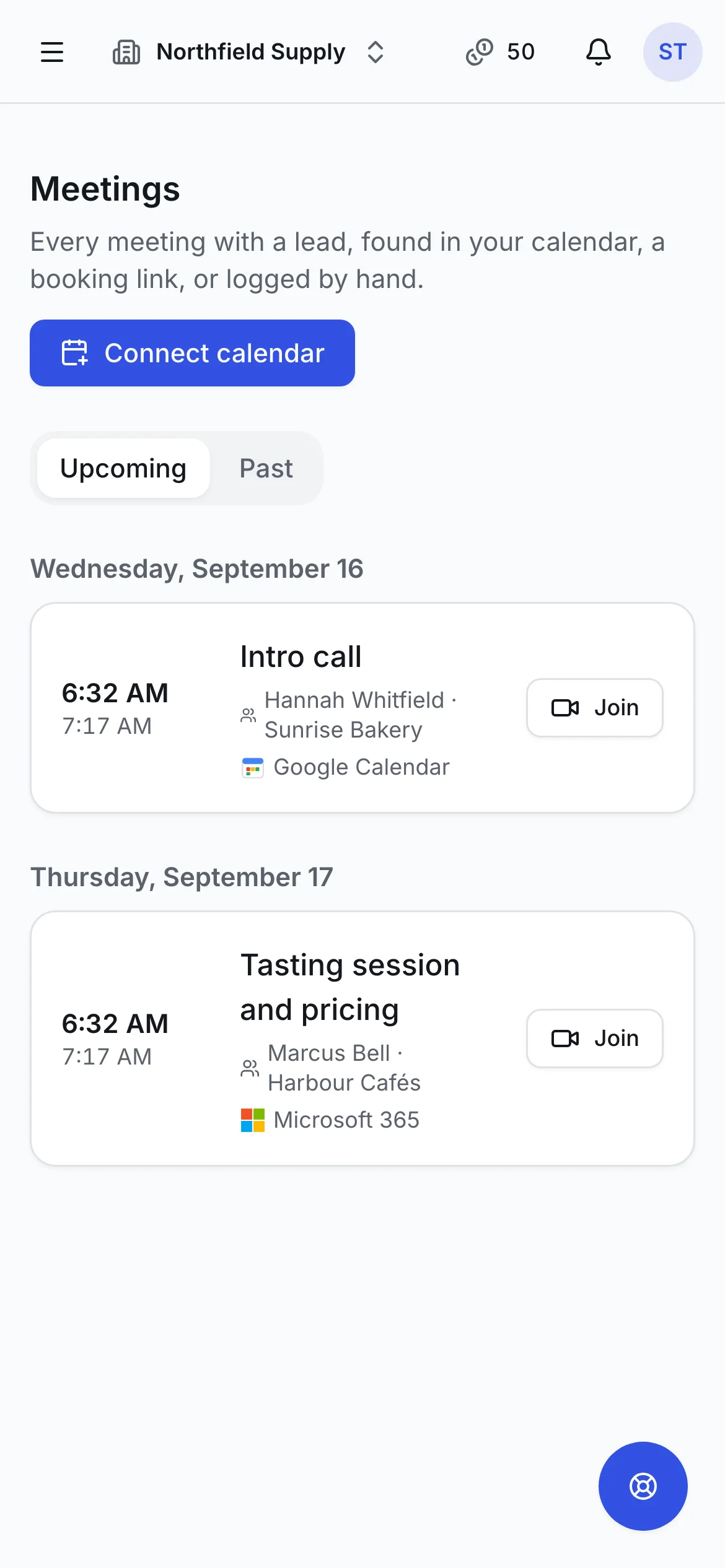
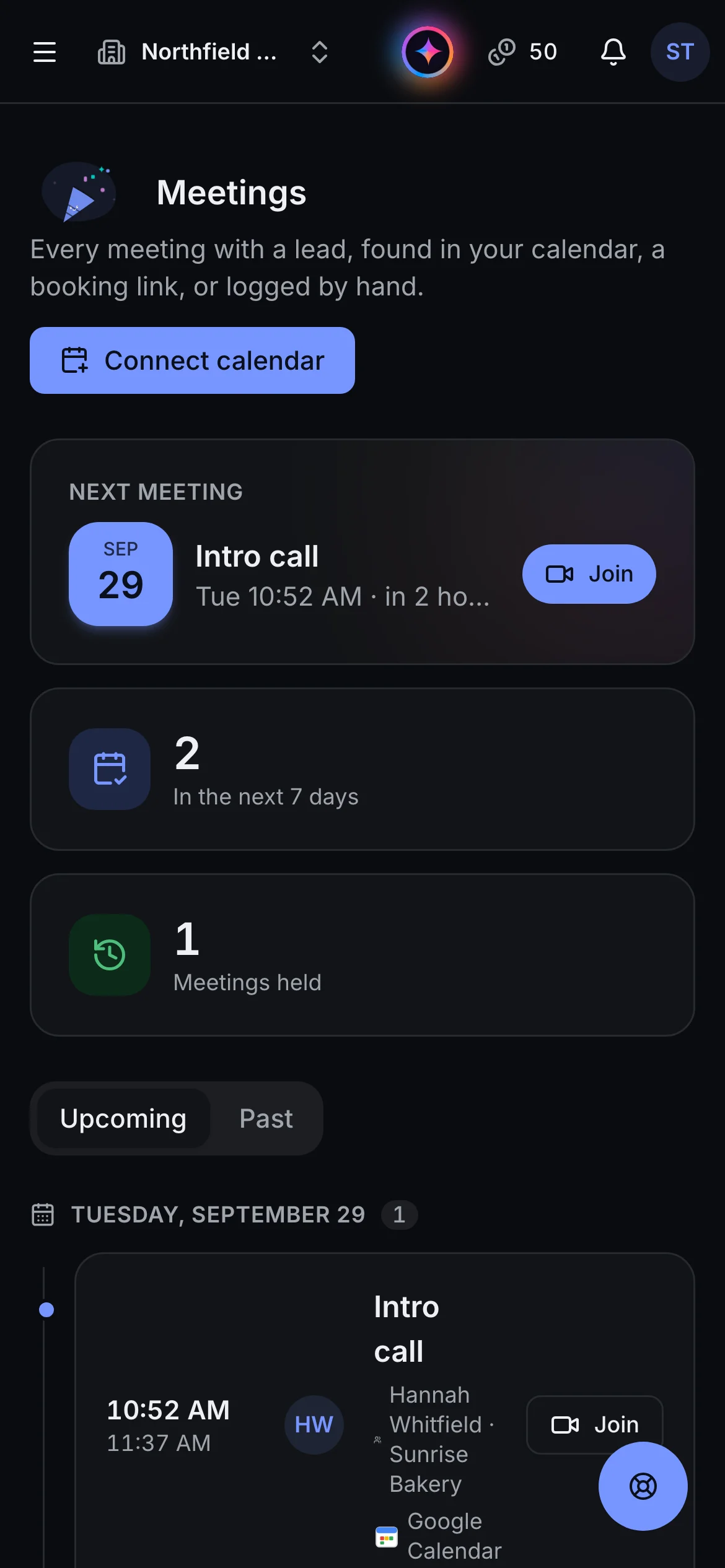
No more checking your calendar against a lead list or updating a spreadsheet after every call. Connect Google Calendar or Microsoft 365: Outiy spots every meeting that includes one of your leads, stops their sequence, tells the owner, and keeps the outcome on the lead’s timeline.
Without Outiy, by hand
- Check your calendar against your lead list by hand
- Remember to stop the follow-ups once someone books
- Update the CRM after every call
Meetings appear on their own, and follow-ups stop on their own.
- Google and Microsoft
- Only meetings with leads
- Booking links too
Less manual work, fewer people to hire for it, and more of each deal kept as profit.
Google and Microsoft
Gmail, Google Workspace, Outlook, Microsoft 365 and Exchange Online calendars, synced every fifteen minutes.
Only meetings with leads
Everything else in your calendar is ignored and never stored.
Booking links too
Calendly and Cal.com bookings become meetings in the same list.
Record how it went
Held, no-show, rescheduled, qualified or not a fit — it feeds the lead’s score and your reports.
Read-only unless you say otherwise
Outiy reads your calendar and adds nothing to it, unless you allow it to put the meetings you book from Outiy on it, with the lead invited. It never changes or deletes anything else, and disconnecting deletes its access immediately.
Questions about meetings
Can my whole team connect their calendars?
Yes, one Google or Microsoft calendar per person.
Stop doing outreach by hand. Keep the profit.
Outiy finds the people, verifies every address, writes in your voice, sends from your own inbox and follows up until they reply — without the salaries, desks and tools.